OpenClaw Setup & Management
Your AI assistant.
Set up. Managed.
Actually working.
We handle the tech. You get an assistant that actually knows how you work.
The problem
OpenClaw is incredible.
Setting it up is a nightmare.
You've heard about OpenClaw. You know it could change how you work. But between the terminal commands, API configuration, server management, and plugin installation - most people give up before they get started.
✕ What you get doing it yourself
- A bare install with one model and no integrations
- No calendar, email, or task management connected
- No morning briefings or evening reviews
- No personality - it doesn't know who you are
- No cost management - every message hits the expensive model
- Doesn't survive reboots. Breaks when you're not looking.
- A Mac Mini you need to buy, keep running, and troubleshoot yourself
- Hours of Googling error messages and debugging config files
✓ What you get when we handle it
- A production-ready assistant, configured and working from day one
- Calendar, email, tasks, and web search - all connected
- Daily morning briefings and evening reviews, automated
- A personality built around you and how you work
- Smart cost routing - cheap model for simple questions, capable model for complex ones
- Runs 24/7 on a dedicated server with auto-restart and monitoring
- No hardware to buy - runs on a dedicated cloud server, included
- You never touch a terminal. We handle everything.
What your assistant actually does
Think of it like a second brain that takes action.
Here's what that could look like for you.
The 6am head start
Your day, planned before you've had coffee.
Every morning, a briefing lands in Telegram. What's on your plate, what's urgent, and a plan for how to tackle it. You just say "go" and it blocks your calendar and organises your tasks.
Meeting prep in 10 seconds
You've got a call in 10 minutes. You're already across it.
Before every meeting, your assistant pulls up the latest emails, notes, and context so you walk in sharp. No scrambling through your inbox trying to remember where things left off.
From meeting to proposal
"I've read the transcript. Want me to make a first pass?"
Your assistant reads meeting transcripts and turns them into something useful - a proposal draft, a summary, action items. The busywork after a meeting just disappears.
Strategy that finds you
It spots opportunities you'd miss.
Your assistant keeps an eye on your competitors, your market, and your tools. When it notices something worth acting on, it tells you - and suggests what to do about it.
Your life, not just your work
It's not just business. It's whatever you need.
Track your calories, plan your meals, remind you to call your mum. Your assistant fits into your whole life, not just your 9-to-5.
Every setup includes
Connects with everything
How it works
Three steps. One call. Done.
No multi-week onboarding. No training courses. You book a call, we build it, and your assistant is live the same day.
Book a call
Pick a time that works. Before the call, you send us a short voice note about yourself and how you work. That's your only homework.
We build it together
On the call, we connect your apps, design your assistant's personality, and identify your first automations. After the call, we finish the technical build.
Wake up to your first brief
The next morning, your assistant sends its first message - a summary of your day, your tasks, and anything that needs your attention. It just works.
Pricing
Simple pricing. No surprises.
Two ways to work together. The setup gets you going. The sessions make it yours.
5 spots left at this price
- 1-on-1 onboarding call with Bailey (1 hour)
- Personalised workspace and personality design
- Dedicated server, provisioned and hardened
- Calendar, email, tasks, and web search connected
- Morning briefings and evening reviews, automated
- Security lockdown - only you get access
- 24/7 uptime monitoring
- OS and OpenClaw updates
- Troubleshooting and fixes
- You never touch a terminal
Not convinced after a week? Full refund. No questions asked.
No lock-in. Cancel anytime - just finish the month. Everything you've built is yours to take with you.
Implementation Sessions
Already set up? We get on a call, talk through your work, and build custom automations live. Every session, your assistant gets more capable. Book a session
Things we build together:
- Client follow-up systems
- Automated invoice chasing
- Weekly reports from your tools
- Industry-specific morning briefs
- CRM and accounting integrations
- Email templates in your voice
Not sure yet? Book a free 20-minute chat — no pitch, no pressure.
Who this is for
Designed for busy people.
You don't need to be technical. You need to be busy enough that an AI assistant would genuinely change your day.
"I don't have time to figure this out myself. Just make it work."
Executives & Directors
You've been meaning to do something with AI but haven't had time to figure it out. You want someone who understands the tech, handles the setup, and makes sure it actually works for how you operate.
"Can this actually help me run my business day to day?"
Business Owners
You already pay for a bookkeeper, a cleaner, and half a dozen SaaS tools. An AI assistant that handles morning briefs, email triage, and task management is the next logical step.
"I tried but couldn't get it working. I need someone who knows what they're doing."
Professionals
You're tech-savvy enough to know what OpenClaw is, maybe even tried to set it up. You hit a wall. You just want someone to do it properly so you can start using it.
Who's behind this
Built by someone who actually uses this. Every day.
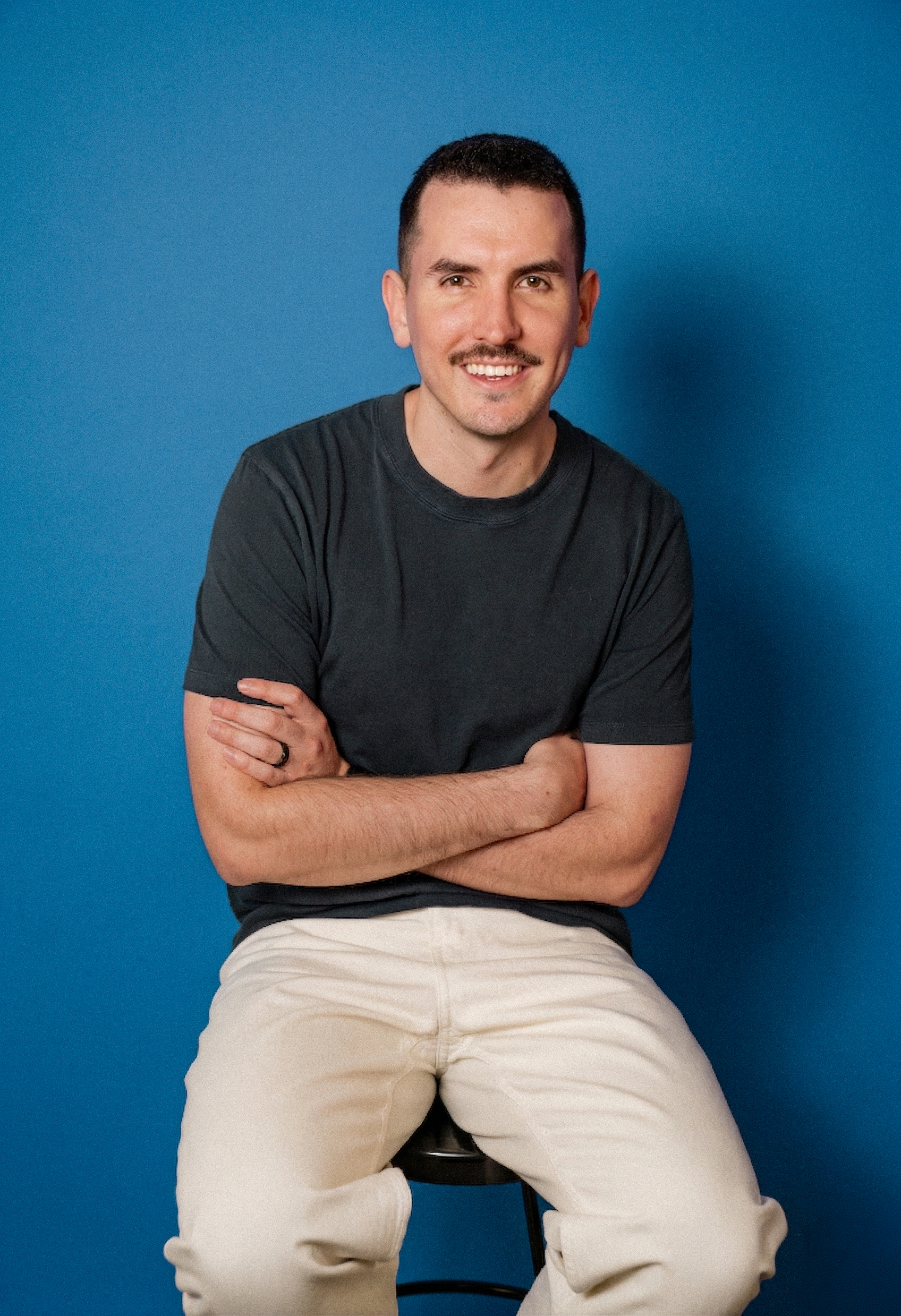
Hey, I'm Bailey.
I've spent hundreds of hours deep in OpenClaw - configuring, optimising, and actually using it to run real businesses. Every person I've built this for has said the same thing - this has changed how they work.
I run NeueStudio, a branding and design studio in Adelaide. I also own service businesses with teams across the city. I've got skin in the game - I run real businesses, and I use AI every day to help me run them better. This isn't a side project. It's something I genuinely believe in.
When I build your assistant, I'm drawing on everything I've learned - what works, what breaks, what's annoying, and what actually matters when you're using it day to day.
FAQ
Questions you probably have.
Still have questions? Email me directly — happy to help.
Get started
Ready to meet your AI assistant?
Book a setup call. Pick a time that works, and we'll have your assistant live by the end of it.
Get Set UpNot ready to commit? Book a free 20-minute chat — no pitch, no pressure.